
What makes a children’s book with a photo really personal?
A child’s photo can be printed in the book or used to create an illustrated character. Compare the options and see a real example.
A personalized children’s book with a photo uses a picture of your child to make the book personal. Some books print the photo on the page. Others use it to create an illustrated character who resembles your child. A custom story or a choice of illustration style are additional options that vary by provider.
If you want your child to recognize themselves while you read together, look beyond the name on the cover. How is the photo used, which parts of the story can you change, and can you see the result before ordering?
What kinds of personalized children’s books are there?
There are roughly three approaches. None is automatically better. An existing story with your child’s name might be enough. If you want to include your own holiday or a familiar cuddly toy in the adventure, you need more room to shape the story.
Read how these options developed in the history of personalized children’s books.
- A name in the story1
The name only
The child’s name is added to an existing story.
- The name is changed.
- The story stays the same.
- The illustration style is fixed.
- Photo or character2
Name and photo
The photo is printed or used to create a character who resembles the child.
- The child appears in a recognizable form.
- The story may be predefined.
- Available changes vary by provider.
- A custom story3
A completely original book
The story and illustrations are created around the child too.
- You supply your own story details.
- You can choose the illustration style.
- Some books allow a second character.
This is a general overview, not a comparison of specific providers. A book with just a personalized name may also offer a preview.
What should you check? Look at which choices you can make and what you can still change afterwards. The word “personalized” alone tells you little about those options.
How does BoekjesAtelier use the photo?
We use AI to describe your child’s features from the photo and create an illustrated character from that description. The original photo is not printed in the book. You choose from the suggested characters before the book illustrations are made.
A sharp photo with good lighting and a clearly visible face helps. An ordinary phone photo is fine. The result is still an illustration: the resemblance can vary with the style, and the first suggestion may miss the mark. Check if the character looks like your child.
The upload is processed temporarily and is not stored permanently on our servers. A temporary copy may remain in your browser so you can continue working. The description and generated illustrations are saved so you can create, view and edit your book.
Read how we handle photos and personal data
What can you personalize besides the photo?
Think about the few details that would make the book familiar to your child. You do not need to fit everything you know about them into one story.
The story
You enter your child’s name and age and choose a story direction. Add your holiday destination or a favourite activity, for example. One clear idea gives the adventure more coherence than a long list of unrelated wishes.
The illustration style
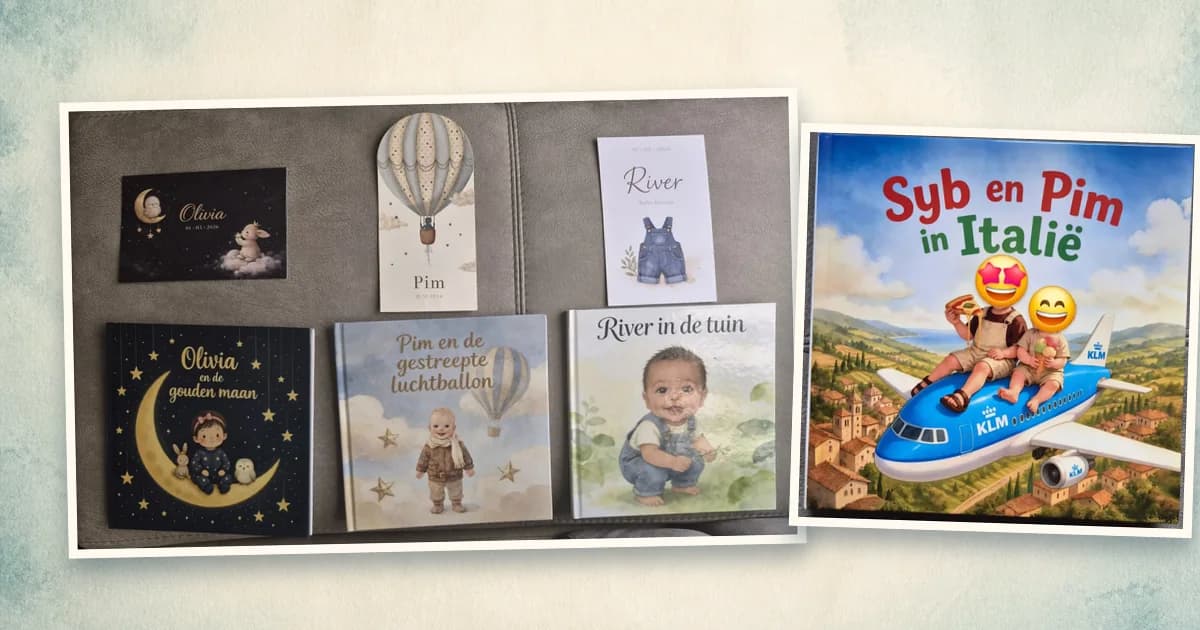
Choose a style or use your own visual inspiration, such as a birth announcement card or the nursery. We have three newborn-gift books at home, each with a different feel based on its matching card. The colours and illustrated details help shape the new book.
A second character
One extra character can join your child. That could be a sibling, parent, grandparent, pet or cuddly toy. You choose who shares the adventure with your child.
The cover and pages
You choose a cover and then preview the whole book. You can still adjust the text and illustrations. Try reading the story aloud too: a sentence can look fine on screen but feel awkward when you say it.
Example: Syb and Pim on holiday in Italy
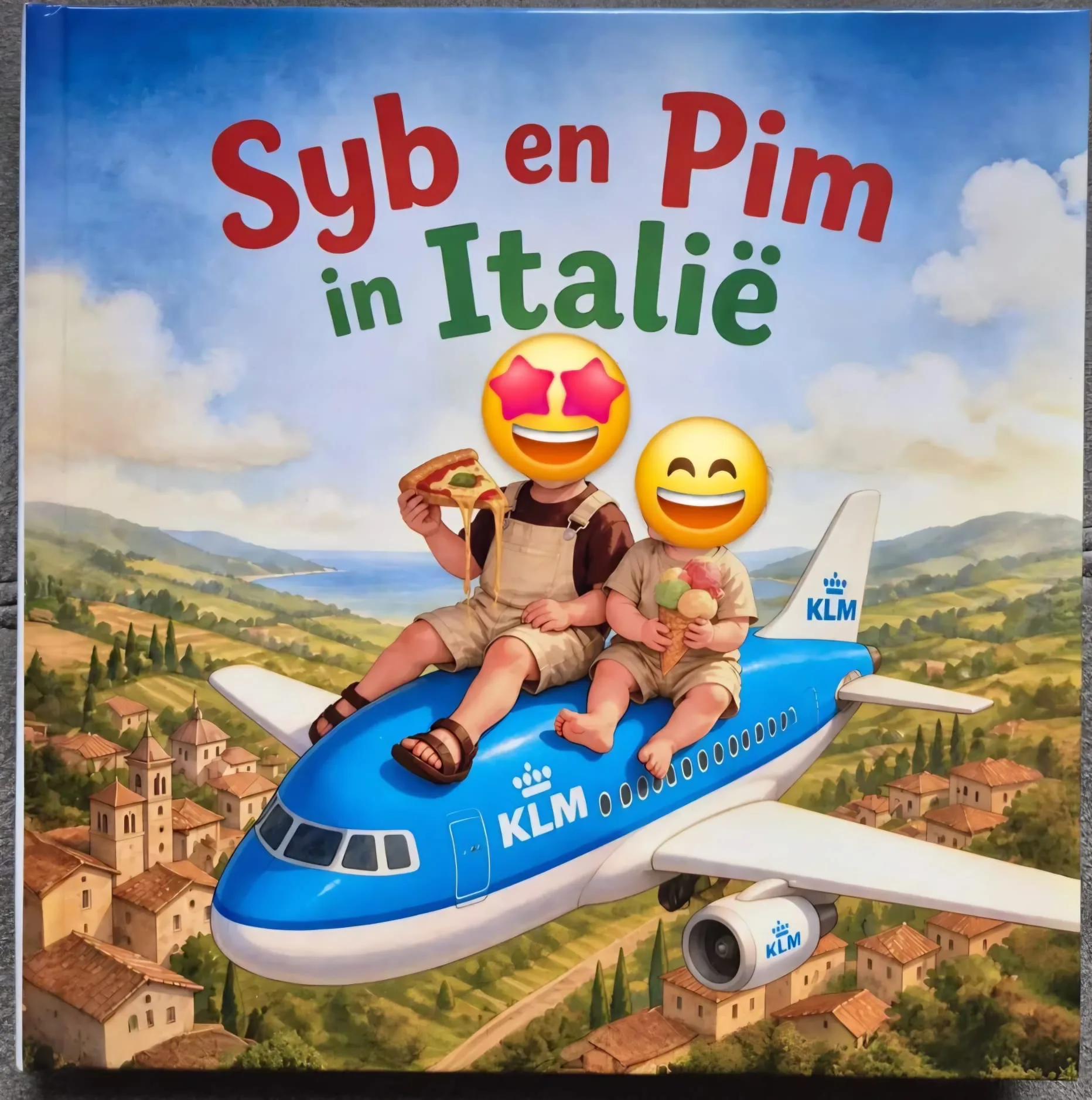
We made a book for our son Pim and our nephew Syb about their holiday in Italy. Both children have a role and appear together on the cover, riding an airplane above Italy.
Their photos guide their illustrated appearance. The destination and travelling together guide the story. Those are two separate choices: a photo shapes how the character looks, while your story details shape what happens to them.
How do you make a personalized children’s book with a photo?
You do not need to write a complete story beforehand. The video shows how your choices become a book.
- 1
Upload a photo and choose your story
Start with a photo and your child’s name. Then choose a story or your own inspiration and add personal details.
- 2
Choose the illustrated character
Look through the suggested characters and choose the version in which you recognize your child. Then choose the cover.
- 3
Review and improve the complete book
Check all the text and illustrations. Change what needs adjusting. You can view the full preview for free before ordering.
Take time to check the details: are the names right, does your child stay recognizable, and does the text sound right for your family?
Want to create a personalized book yourself?
Frequently asked questions
- Will my child’s actual photo be printed in the book?
- Not at BoekjesAtelier. We use the photo to create an illustrated character with AI. Other providers may print the photo itself, so check which kind of book you are choosing.
- Can I include two children or twins?
- Yes. You choose one child as the main character and can add one other child as an extra character, including a twin brother or sister. There is room for a maximum of one extra character.
- Can grandma or grandpa join the story?
- Yes. Grandma or grandpa can be the extra character alongside your child. You can also use that place for a parent, pet or cuddly toy. You choose one of them.
- Can I see the book before paying?
- Yes. You can preview the full cover, text and illustrations for free. You can adjust parts of the book before deciding to order a printed copy.
- Is the original photo of my child kept?
- The photo is not stored permanently on our servers. A temporary copy may remain in your browser. The description and generated illustrations stay available so you can work on the book.
Curious what your child looks like in a completely original story? View the full result before you order.
Create a personal children’s book€34.95 · preview your book before you payAbout the author
Wouter builds the platform and technical foundation behind BoekjesAtelier. As a parent and with his cybersecurity background, he pays extra attention to privacy, safe processing, and clear product choices.
More about usLisa helps make every BoekjesAtelier book warm, recognizable, and enjoyable to read together. She focuses on the story, the experience, and the details that make it personal.
More about usRelated articles
These articles connect well with this topic.
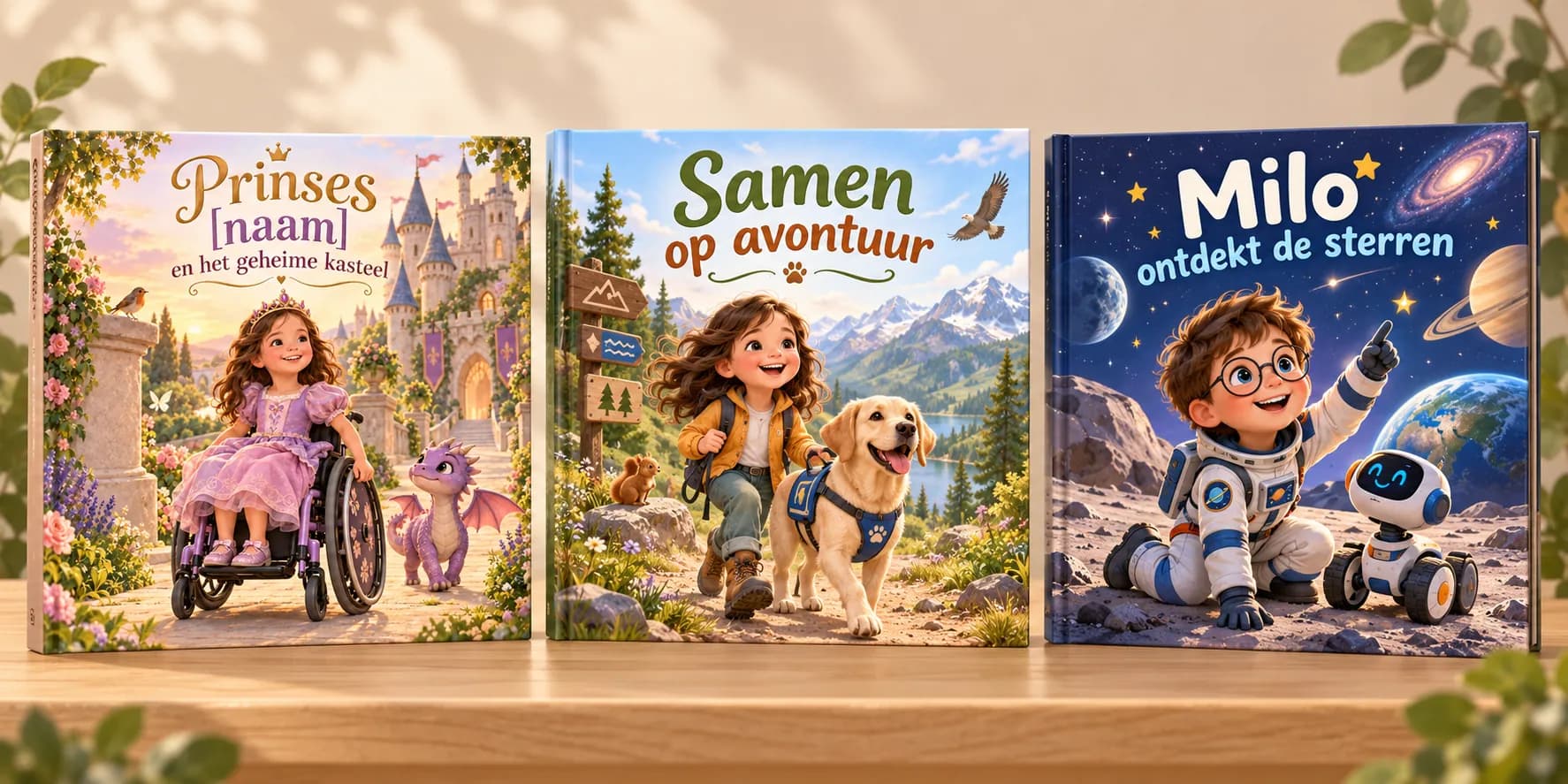
An inclusive personalized children’s book: recognition is in the details
A wheelchair, glasses, eye patch, service dog or familiar cuddly toy can make all the difference to recognition. Here is how to choose a book that fits your child.
Read article→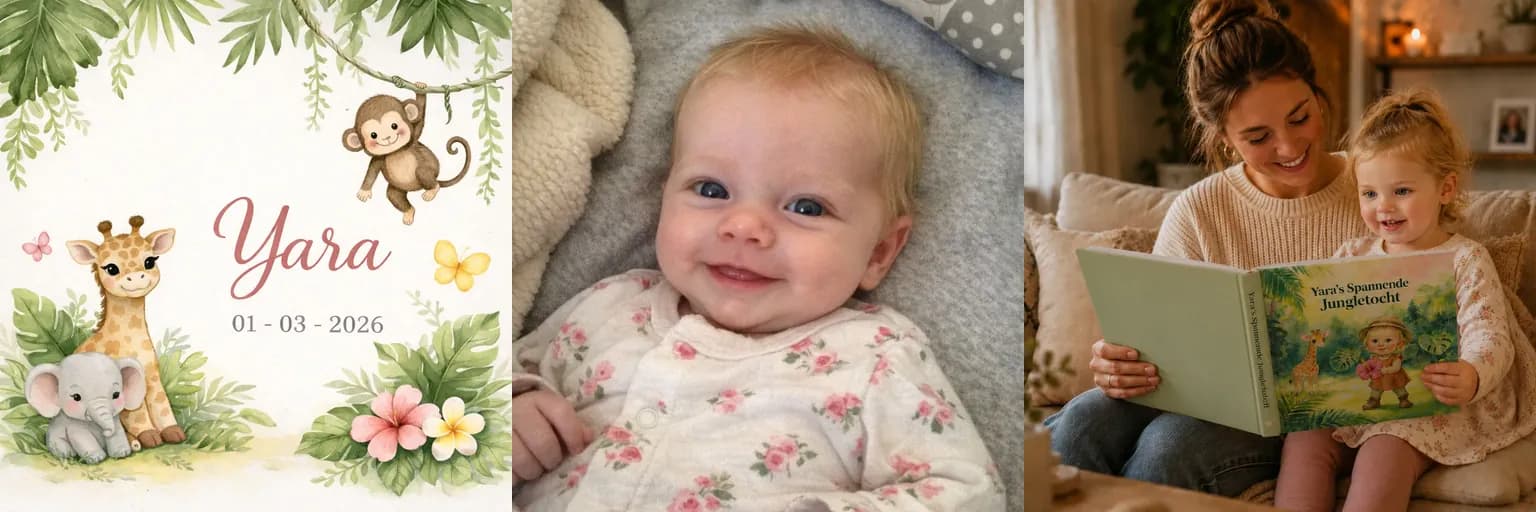
From Birth Announcement to Personalized Children's Book
Turn the colours, illustrations and atmosphere of a birth announcement into a personalized children’s book with your child in the lead role.
Read article→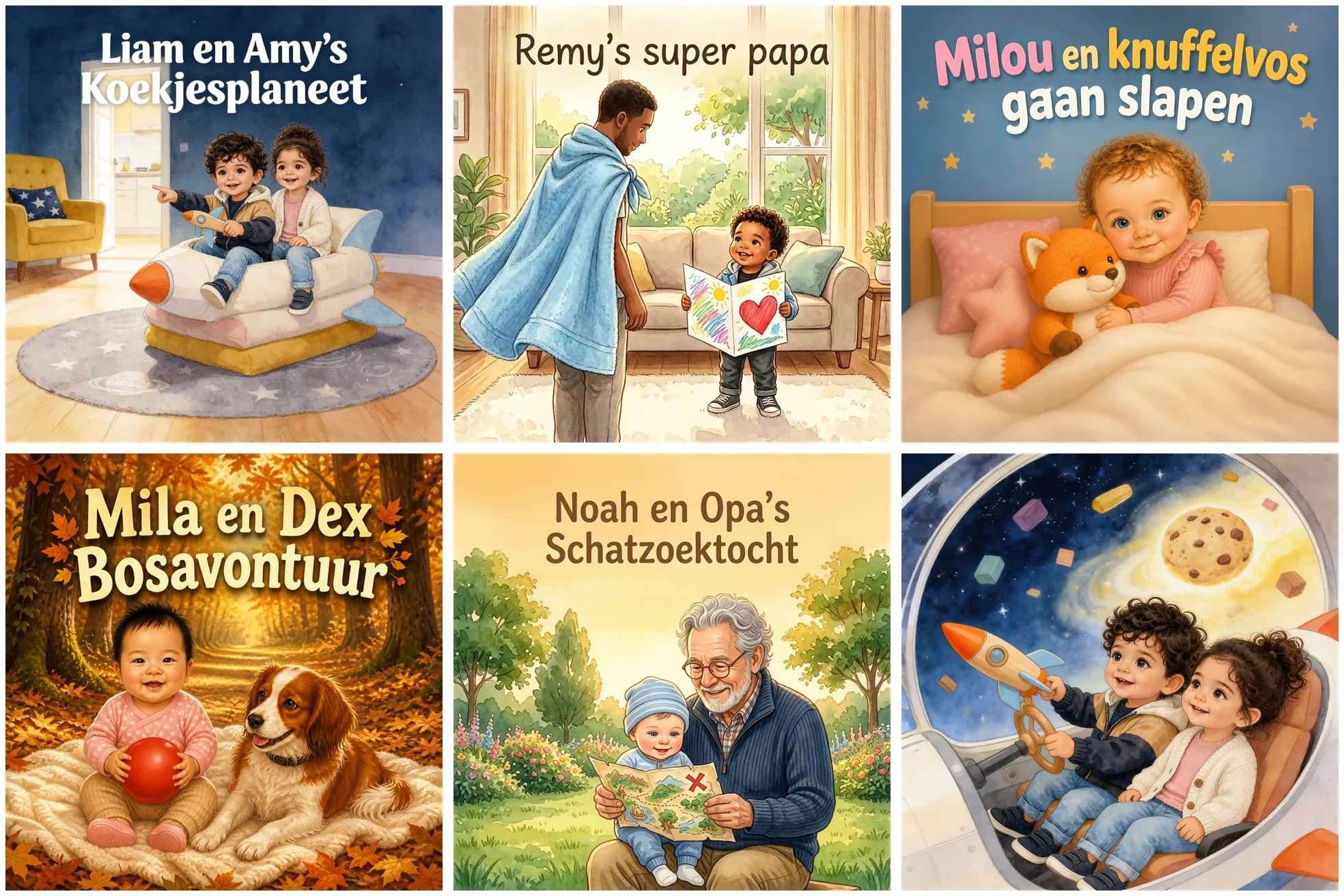
The 5 best ideas for a personalized children's book with 2 characters
Which characters can you include in a personalized children’s book? Five lovely ideas with two characters, from a brother or sister to a stuffed animal, pet, dad or grandpa.
Read article→