
New features: a sidekick and a smoother flow
Two long-requested improvements: a sidekick in the story (sibling, grandparent, pet, or stuffed animal) and an easier way to make your book.
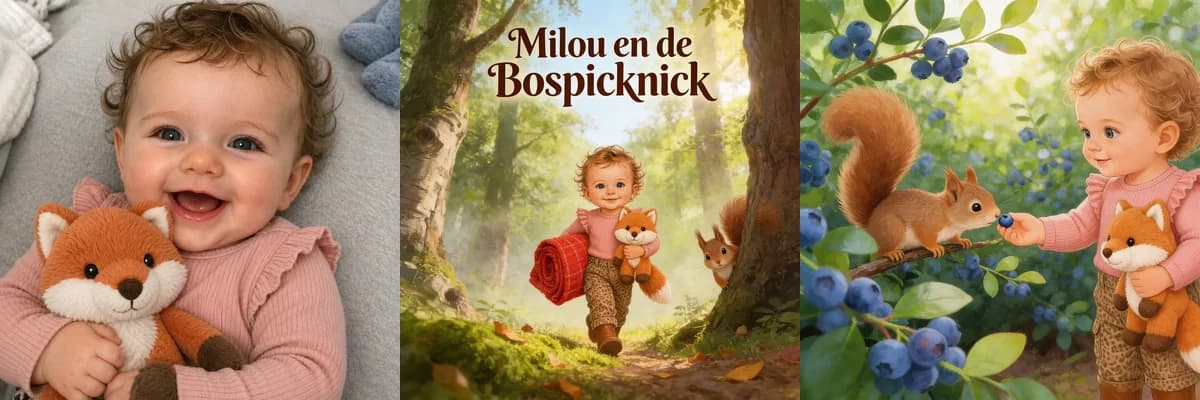
We added two long-requested improvements to BoekjesAtelier: a sidekick in the story and an easier way to make your book.
Here is what changed and why.
A sidekick: a second character along for the ride
For many children, that one stuffed animal, grandpa, or big brother is simply part of their world. They show up in games, on the couch, in bed. That is why parents wanted to see them in the story too.
In the first version of BoekjesAtelier the book revolved mostly around the child. From now on you can optionally add a sidekick: a recurring character who joins the story all the way through, for example:
- a brother, sister, dad, mom, grandpa, or grandma
- the family pet (dog, cat, rabbit, or guinea pig)
- the favorite stuffed animal
- a close friend
How do you add a sidekick?
In the story step you will see a new question: "Want to add a sidekick?"
Click "Yes, add one" and choose one of two options:
- Upload a photo of the sidekick. We use the photo as inspiration and turn it into a recognizable character that comes back throughout the book.
- Or describe the sidekick in a few words, for example "golden retriever Bruno" or "brown teddy bear with a red bow".
The sidekick then returns in every illustration. The same character, with the same colors and details, throughout the whole book. No more foxes that suddenly shift from brown to grey, or stuffed animals that look different from one page to the next.
An example: Milou brought her favorite stuffed animal Vos along as her sidekick. We worked from a photo of her plush fox, and Vos shows up across the entire book. You can flip through the full book at the bottom of this post.
Curious how a favorite stuffed animal can get its own role in a story? Also read: From Favourite Stuffed Animal to Children's Book
Is the sidekick more of a big-brother- or big-sister-to-be? Then take a look at: Becoming a big brother or sister? How to gently prepare your child for a new baby
Dad can absolutely play sidekick too. For a personalized Father's Day book where dad himself appears alongside your child: Father's Day Gift Ideas for Dads Who Have Everything
Want to create a personalized book yourself?
A smoother flow: we start with your child
The second change is in the order in which you build your book.
In the old version you started by picking a style or inspiration photo. Only after that did we ask about your child. For a lot of parents that felt backwards: you want to see right away that the book is really about your child, and only then choose the details.
So we flipped the flow. The steps now look like this:
- Step 1: upload a photo of your child, give us their name and optionally their gender.
- Step 2: choose the direction of the story and optionally add a sidekick.
- Step 3: review the variants of the main character and pick your favorite.
- Step 4: we put your book together, including cover, title page, and all illustrations.
- Step 5: order the book as a hardcover.
Three ways to choose a theme
In step 2, the story, you can choose a theme in three ways:
- A ready-made preset theme (think: jungle, hot air balloon, Father’s Day, dino, becoming a big brother or sister).
- Upload your own inspiration, for example a birth announcement, the nursery, a stuffed animal, or even a drawing.
- A theme suggestion based on the photo of your child. If your child is on the beach, or happily on a tricycle, we use that as the starting point.
The photo you uploaded in step 1 is automatically reused in the character step. No more duplicate uploads.
Curious what an inspiration photo can do? In this overview we walk through six ideas, from a birth announcement to a favorite tractor: Inspiration for a personalized children's book: 6 original ideas
Under the hood: new models for sharper and more consistent illustrations
A less visible improvement, but a big one: we recently switched to two new models for the illustrations.
We use GPT Image 2 (from OpenAI) and Nano Banana 2 (from Google) to draw the characters, covers, and story pages. Compared to the previous generation, the main differences we see are:
- The main character and the sidekick stay recognizable across every page: same face, same outfit, same colors.
- Details in hands, faces, and small props stay sharper. No more odd fingers or warped stuffed animals.
- The style stays unified between cover and pages, as if the whole book were drawn by a single illustrator.
Keep sharing what you think
Both updates exist because parents emailed us, asked sharp questions, or pointed out things that did not quite make sense. That is where we learn the most.
Do you have an idea for an improvement, or something you feel is missing in the flow? We would love to hear it. That way you help shape an even better book for the next child who makes one.
Curious where BoekjesAtelier first began? Also read the story behind the very first version: Where It All Began: The Adventures of Pim
Curious what your child looks like as the main character? Start with a photo and make your own book.
Make your book now€34.95 · preview your book before you payAbout the author
Wouter builds the platform and technical foundation behind BoekjesAtelier. As a parent and with his cybersecurity background, he pays extra attention to privacy, safe processing, and clear product choices.
More about usRelated articles
These articles connect well with this topic.
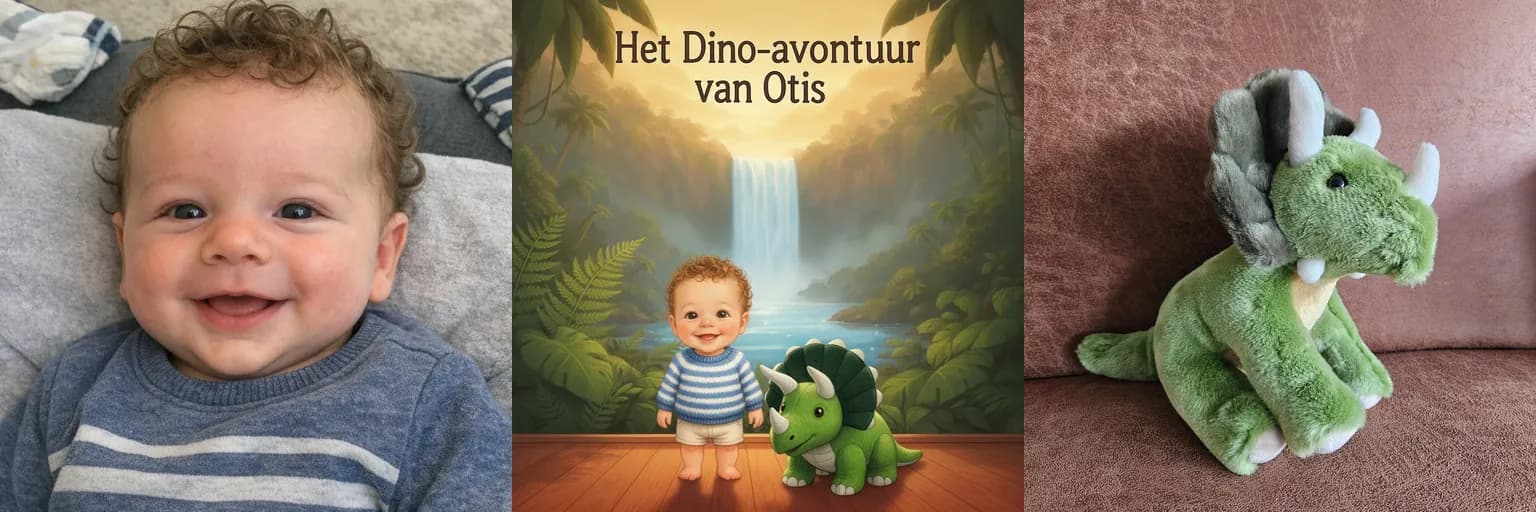
From Favourite Stuffed Animal to Children's Book
Almost every child has one: a stuffed animal that goes everywhere with them. That same beloved toy can also get a role in their very own bedtime story.
Read article→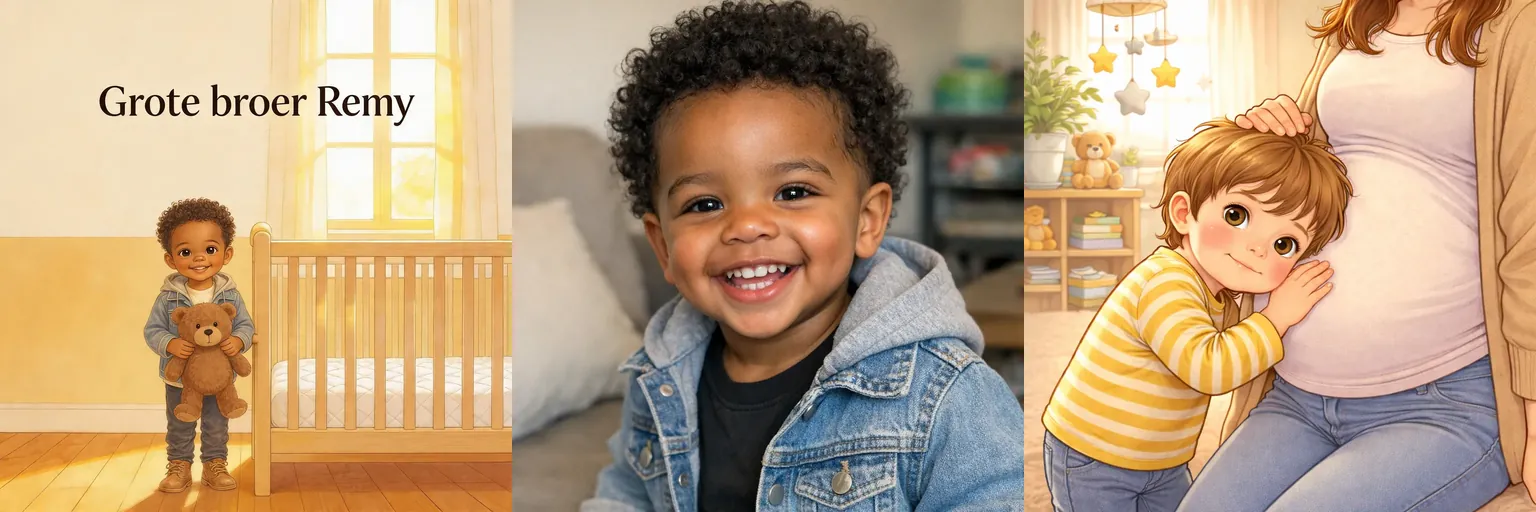
Becoming a big brother or sister? How to gently prepare your child for a new baby
A new baby is on the way. A personalized storybook helps your child prepare for life as a big brother or sister in a calm, recognizable way.
Read article→